
A digital operations team for your company

Aiten Is on It.
You Control.

Driver communication, trip tracking, and document work. Aiten takes on the daily follow-up load, and your team goes into decisions with the information already prepared.

Drivers keep using the channel they know.
Aiten works alongside your existing systems through the connections we set up.

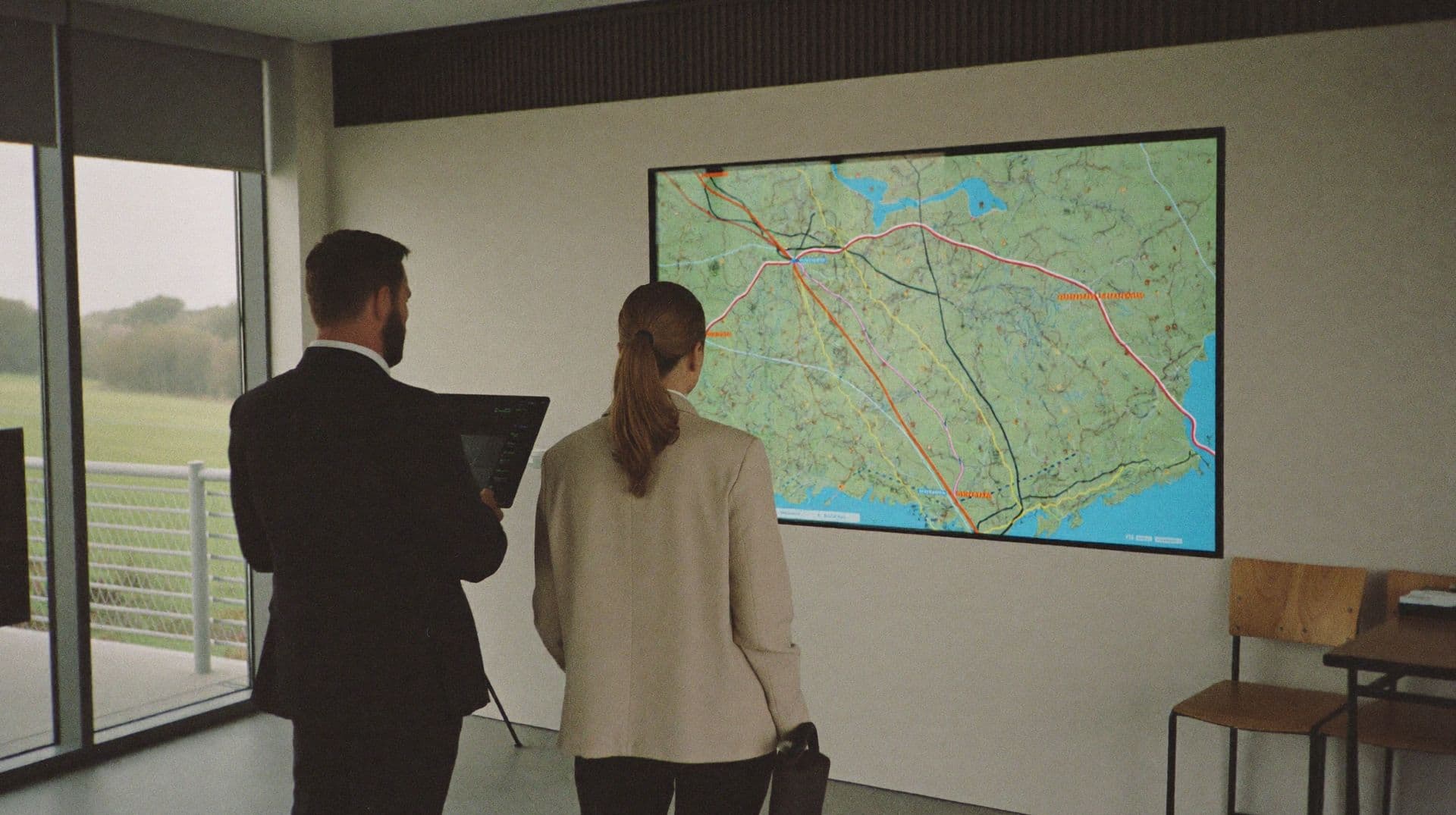
A team reviewing shipments together in a logistics operations office
Items for your teamSample flow
Arrival update received

Ankara Warehouse · Driver’s ETA 14:30

Delivery document added to the record

Bursa Warehouse · Matched to the relevant stop

A decision is needed on the delivery

Izmir Warehouse · The recipient is refusing the delivery

The explanation for the Izmir delivery is ready.
Waiting on your team’s review.

The value it brings your company

In Your Daily Work,
Tangible Results.

The work Aiten takes on starts with the questions your team asks every day. It gathers the information, records it, and keeps follow-up items visible.

Logistics companies

“Have we reached the driver? When will the truck arrive?”

Aiten handles driver communication and arrival tracking. It records the reason for a delay and any new information in the trip record.

Your team spends less time making the same calls over and over to gather current information.

Manufacturers and distributors

“Has the delivery document come in?”

Aiten requests the delivery document, reads it, and links it to the right stop. It keeps anything missing or unclear visible.

Shipment and document tracking move forward together, and the records needed to prepare invoicing are gathered in one place.

Multi-stop operations

“Which delivery does this document belong to?”

Each stop's contact, timing, and document details are kept in its own record. A stop closes only with verified proof.

Your team can tell at which stop the work is complete and where follow-up is needed.

Track the value in your own operation.

Time spent on follow-up, the number of missing documents, and the time it takes to resolve items awaiting a decision can be evaluated together.

Alongside your existing systems

Field Information
Reaches Your Screen.

You can create your shipments in your own system. Aiten handles driver communication and document tracking, and through the integration the results flow back into your workflow.

Sample integration · From shipment to proof of deliverySample flow
Your system

Shipment Ready.

Order reference
SAMPLE-108
Delivery
Ankara Depot
Load
24 boxes

Trip and stop details are shared.

Aiten took over tracking.

The trip record was opened. Communication follows your company’s permission and timing rules.

Proof of delivery is ready.

The signed document was verified and linked to the relevant stop.

Back in your system

Same Shipment.
Current Info.

Proof of delivery

SAMPLE-108 · Ankara Warehouse

Status and document are retrieved through the connection you set up.

Dashboard

Start in the Dashboard.

Create trips and stops in the Aiten dashboard. Follow driver communication, documents, and open items in one place.

Your existing system

Connect Your Shipments.

Send trip details through the API from your transportation management system (TMS), ERP, or warehouse software. Link records using your own order reference.

Returning results

Get Results Back.

Retrieve status and documents through the API, or use configured notifications. Decide together which information is written where.

How are trip and result details shared?

Trip and stop details can be sent to Aiten from the dashboard or through the API. Trip status and documents can be retrieved through the API, and with a configured webhook, status changes can be reported to your system.

What happens if the same shipment is sent again?

The integration uses your order reference to prevent duplicate trips. Field mapping and resend behavior are worked out together when the connection is set up.

How are the connection's permissions determined?

The connection method, company scope, and action permissions are defined together. Server-to-server API access and access on behalf of a user are evaluated separately; you can find the technical details in the API docs.

Can we access Aiten from the AI tool we use?

Supported tools can access your company's data through the hosted MCP connection and user authorization. Read tools are available over this connection. Write tools are off by default; the required scope and permissions are evaluated separately with the Aiten team.

The decision stays with your team

When It Reaches You,
the Details Are Ready.

Aiten runs routine follow-up and works to fill in missing information. For a refused delivery, damage, or a commercial decision, it passes the issue to your team with an explanation.

Your team doesn’t have to start from scratch to find out what happened. They can assess the next step from the existing record.

See examples of handoffs to your team
Izmir Warehouse · Delivery issueSample flow
Driver

The warehouse is closed. There’s nobody to receive the load.

Aiten clarified the situation.

The driver’s arrival details and explanation were added to the relevant stop.

Summary prepared for your team

The driver reports arriving at the warehouse. The delivery could not be made; a new delivery time needs to be arranged with the recipient.

AI summary · Please review
Waiting for your decision

Your team sets the new delivery plan.
The stop stays open until verified proof arrives.

Routine Follow-Up

Aiten collects information and documents and records them.

Unclear Information

It asks again, requests a check, and keeps the uncertainty visible.

Commercial Decisions

Pricing, customer commitments, and special cases stay with your team.

Shared record, clear accountability

Teams Change,
the Record Stays.

When you take over a trip, follow what the driver said, which document arrived, and which check is pending, all in the same record.

Messages, documents, and status appear together. When your team needs to return to an issue, they can trace the conversation and the work done.

See document verification up close
Bursa Warehouse · Trip historySample flow
  1. Driver reported the delivery.

    “Unloading complete.”

  2. Aiten requested the signed document.

    The document request is in the same trip conversation.

  3. Document set aside for review.

    The receiver’s signature isn’t clearly legible.

    AI reading · Please review
  4. In your team’s hands.

    The image and explanation are ready. The stop stays open until proof is verified.

Access Tied to Your Company.

Dashboard users work with their own company’s trips and documents. Connections are defined by company scope and action permissions.

Defined Contact Rules.

Messages and calls are subject to permission rules, the company’s working calendar, and contact-frequency limits. Inactive companies and drivers who opt out of contact are excluded from this follow-up.

What Needs Review Is Flagged.

AI readings and summaries are shown with a review note. An unclear document is not accepted as verified proof of delivery.

Fit for your operation

Define Its Place
in Your Workflow.

Our main use today is trip tracking for road freight. For operations that run on driver communication, arrival updates, and delivery documents, we define together what Aiten takes on.

Where It’s Strongest

  • Contacting subcontracted and spot drivers
  • Trip tracking by phone and WhatsApp
  • Multi-stop loading and delivery records
  • Paper waybill and missing-document tracking
What stays in your current processes?

Route and vehicle assignment decisions, freight charge calculation, carrier payment processes, and customs procedures remain the responsibility of your existing team and systems. We define Aiten’s current scope separately from these tasks.

The driver needs to be reachable on WhatsApp or by phone. No new driver app or in-vehicle device is needed for communication and information gathering.

Team at a meeting table evaluating which systems will work together
Operations and technical teams,
around the same workflow.

Getting started together

Shaped to Your Workflow,
Set Up Together.

We Define the Work.

We clarify your trips, your document needs, and the follow-up work that takes your team the most time.

We Choose the Connection.

We decide whether to use the dashboard or connect your existing system, and define the data fields and permissions together.

We Start with Your Rules.

Contact hours, document checks, and the situations handed to your team are clarified. The scope of use and the start schedule are set together.

Timing varies with the scope of the operation, data readiness, and integration needs.

Aiten at your company

Which Team Task Can
Can We Lighten Together?

Let’s talk through one of your trip flows. Together we’ll clarify what Aiten takes on and how it helps your team.

Book a demo