Aiten for logistics

Talks to Drivers, Verifies Waybills.
Closes Trips with Proof.

Shipment tracking, reaching the driver, getting the waybill, verifying it, and updating your systems. In road freight, both FTL and LTL (part load), Aiten handles this work from the moment a trip opens until the proof of delivery lands in your dashboard.

To date

  • 4,800+driver conversations
  • 1,200+trips tracked
  • 2,400+delivery documents processed
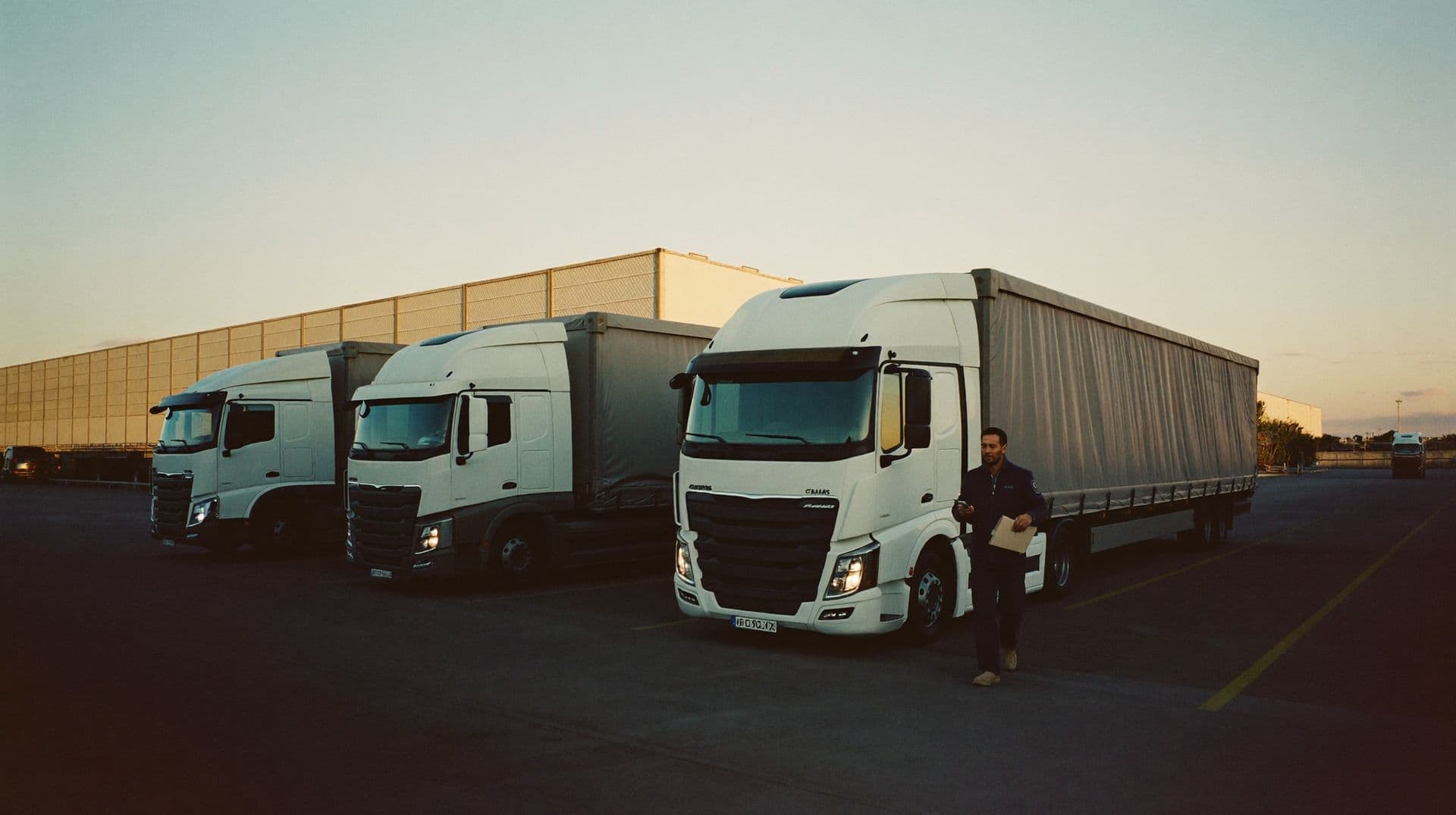
Vehicles at a logistics terminal at sunrise, with a driver walking by, document in hand
Drivers don't install an app.They message on WhatsApp and photograph the waybill.
Aiten handles the rest.

In logistics: the journey of a trip

Aiten on the Job.
You're in Control.

A trip comes in from your system, and Aiten talks to the driver, verifies the waybill with AI, and closes the trip with proof. Below, follow a road freight trip through Aiten step by step.

01 · Who it's for

For Every Team That Tracks Freight.

Logistics companies, freight brokers, manufacturers, e-commerce companies, and distributors: no matter who hauls the load, the job is the same. It means talking to the driver, learning the arrival time, and collecting the signed waybill. Aiten takes that job on.

  • Your own fleet or contracted carriers
  • Full truckload (FTL), LTL, and multi-stop trips

02 · Trips reach Aiten

Your Trips Come from the System You Use.

Drag and drop an Excel file, send it by email, or connect any system that offers an API or webhook, including SAP, Oracle, and the TMS modules of ERP systems. The trip opens in the dashboard with its route, load, truck, trailer, and driver details.

  • Excel, email, REST API, and webhook
  • You don't need to replace your existing transportation management system

03 · Aiten takes action

Talks to the Driver Right as a Trip Opens.

Aiten sends the driver the trip details on WhatsApp. If it can't reach the driver, it calls, asks where they are and when they'll arrive, and after delivery asks for a photo of the waybill. The driver doesn't install an app; they stay in WhatsApp, which they already use.

  • WhatsApp messages, multiple-choice questions, and voice calls
  • Location, arrival time (ETA), and waybill in one record

04 · AI verifies

The Waybill Is Matched to Your Order Line by Line.

As the waybill lands in the dashboard, Aiten reads it and compares it with the trip data from your integration: plate, receiver, delivery address, goods and quantity, stamp, and signature. If anything doesn't match, the stop doesn't close and comes to you for review.

  • A stop doesn't close until the proof of delivery (POD) is verified
  • Quantity differences and mismatches show up instantly

05 · Everything in one dashboard

The Trip Closes. Everything Is on Record, 24/7.

Conversations, calls, location, waybills, and the map are all kept on the same trip; the trip closes with proof and is archived. Aiten works 24/7, and you decide when it contacts drivers. Track more loads without hiring extra staff, and reach the data through MCP from your own AI assistant.

  • Every shipment tracked, every document archived
  • Query it with your own AI assistant (MCP)

From your trip system to the report

Starts in Your Trip System.
Ends as a Report.

A trip starts in your system; Aiten messages the driver, calls if there's no reply, reads the waybill, closes the stop with proof, and turns every trip into a report. Click a step to explore each scene.

The End of the Chain: The Driver.

Tracking shipments, reaching the driver, collecting the waybill, verifying it, and entering it into the system: operations get stuck most often on the driver at the very end of the chain. In road freight (FTL and LTL, or part load), Aiten is a logistics AI solution that handles this work end to end.

1Trip arrived from your system

From loading to closing

At Every Stage,
Aiten Is on It.

Your driver carries on with what they know; Aiten tracks the work throughout the trip and records the information at the right stop.

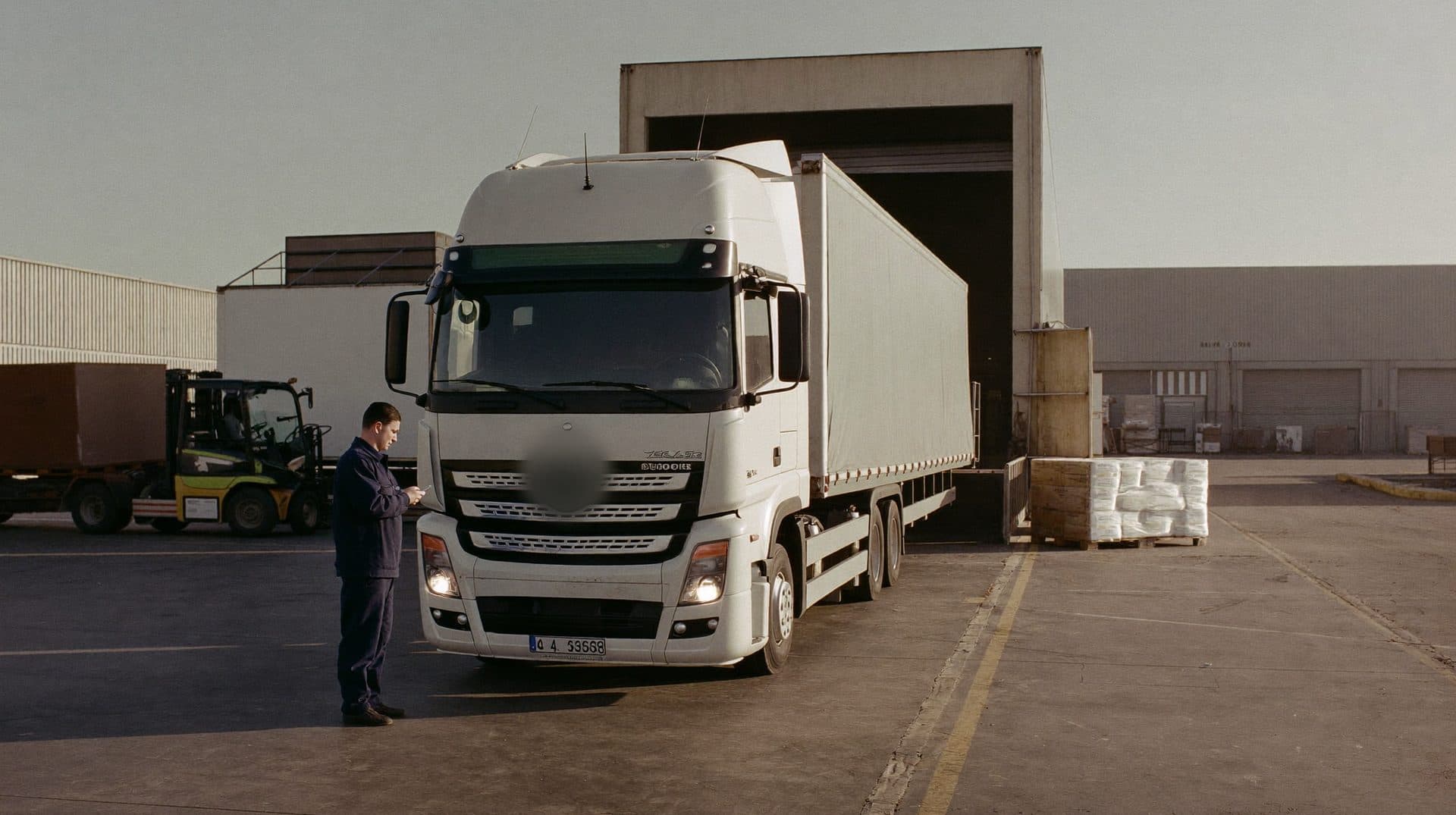
Driver looking at their phone beside a truck at a loading dock
  1. 01

    At Loading

    Starts contact with the driver. Collects the loading status, departure details, and the first document.

  2. 02

    In transit

    Tracks the estimated arrival time. Finds out the reasons for delays and waits and records them.

  3. 03

    At Delivery

    Asks for the signed waybill. Reads the document and compares it with the trip and stop details.

  4. 04

    At Closing

    Links the verified proof to the right stop. Hands unresolved issues to your team.

Document collection and verification

From Photo to Record,
Checked Along the Way.

Requesting the document, reading it, linking it to the right stop, and chasing what's missing. Aiten runs all the steps toward proof of delivery in one place.

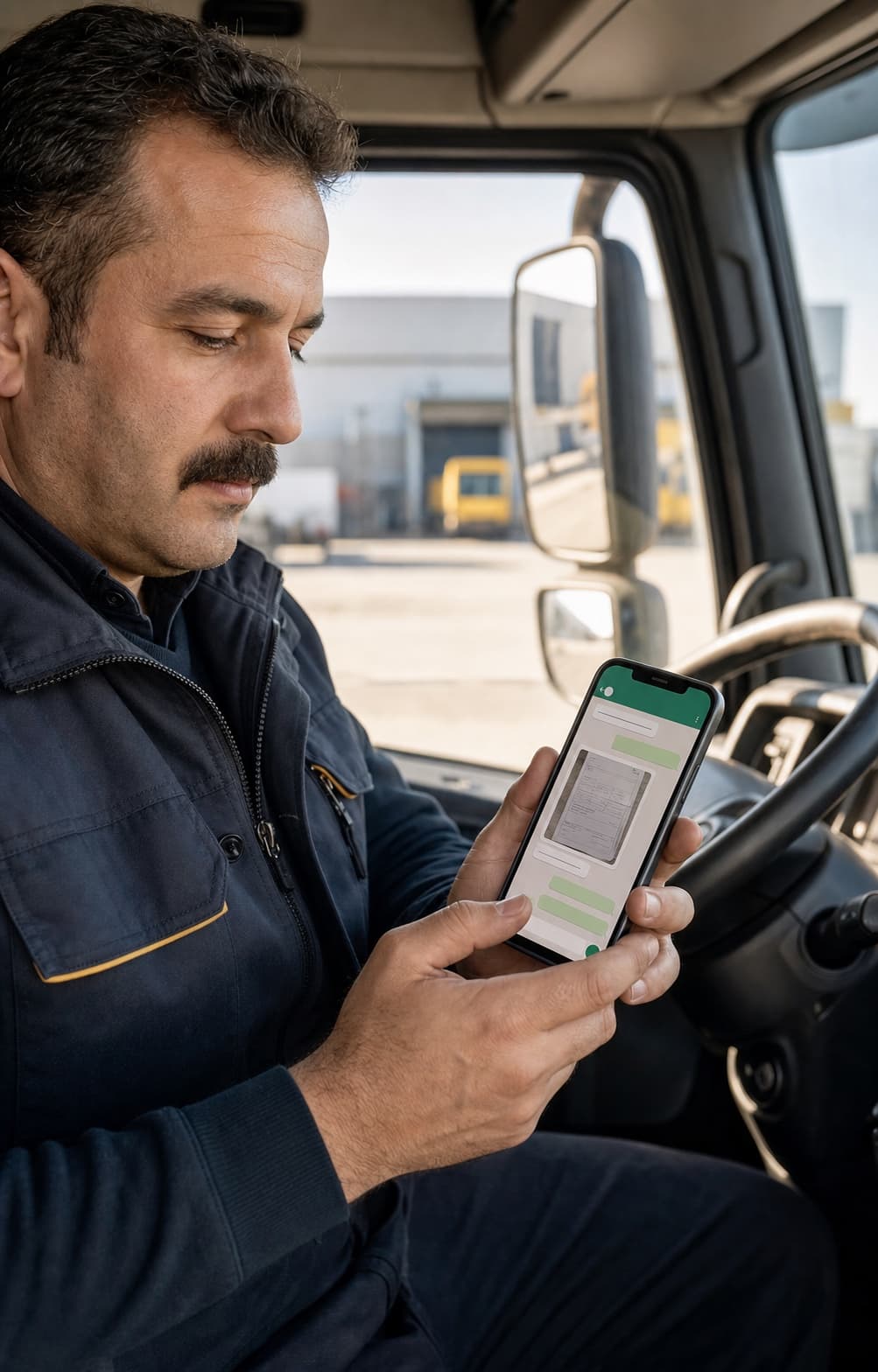
Driver in a truck cab sending a photo of a document over WhatsApp

Two-Stage Verification.

The first document records the load details. At delivery, the copy that arrives is checked against those details and against the right party's signature.

Uncertainty Stays Visible.

The result is stated clearly: verified, needs human review, or rejected. If a document is wrong or unreadable, a correction is requested.

Closing with Proof.

A stop closes only with verified proof. Missing documents are followed up on; anything that can't be resolved is handed to your team.

What is checked on a document?

Document number and ETTN, quantity, box count and weight, product lines, tractor and trailer plates, shipper and receiver, company and tax ID, issue date, and dispatch time. At stages that require a signature, the legibility of the “Delivered By” signature at loading, the “Received By” signature at delivery, and the stamp, if present, is assessed.

When your team's decision is needed

Prepares the Case.
Leaves the Call to You.

Damage, a refused delivery, or an uncertainty that can't be resolved. Aiten finds out what happened and gathers the conversation and documents at the relevant stop. When you take over, you see what happened and which decision is waiting, all in one place.

Driver at the wheel in a truck cab, talking on the phone

Driver isn't responding

AitenSends reminders within the permitted contact hours and frequency. When needed, tries to reach the driver by phone, according to your call settings.

Your teamIf contact can't be made, your team receives the situation and the attempts together.

Arrival is delayed

AitenLearns the reason for the delay and the new arrival estimate from the driver, and updates the trip record.

Your teamFor critical delays, your team assesses the new plan.

Damaged load

AitenAsks for a description and, if available, a photo. Links the issue to the relevant stop.

Your teamYour team decides on the damage and its commercial consequences.

Address not found

AitenShares the stop details on record and logs the address issue.

Your teamYour team determines the correct address and, if needed, the new routing.

Extended wait

AitenRecords when the wait began and the reason the driver reported; the stop stays open.

Your teamIf the wait has commercial consequences, your team steps in.

Delivery refused

AitenTakes the driver's explanation and makes the delivery risk visible.

Your teamTalking to the receiver and deciding on a return or a new delivery are up to your team.

Delivery document missing

AitenRequests the missing document and keeps following up. Doesn't close the stop without verified proof.

Your teamIf the gap can't be filled, it passes the situation to your team.

Document mismatch

AitenPoints out the difference between the document and the trip, and asks for the correct document again.

Your teamIf the mismatch can't be resolved, the document and explanation come to you together for review.

A day with and without Aiten

Don’t Spend Your Day
Chasing Status Updates.

The same day for your operations specialist, in two scenarios. Aiten takes over the repetitive follow-up; decisions stay with your team.

(sectors.ts #21, #68, #113)

Phone, WhatsApp, and Paperwork All Day.

  1. Call drivers one by one
  2. Ask for locations in WhatsApp groups
  3. Call unreachable drivers again
  4. Answer customers asking “where’s the truck?”
  5. Enter arrival times in Excel
  6. Lunch break on the phone
  7. Delay: talk to the receiverYour call
  8. Request the waybill photo, send reminders
  9. Match the waybill to the order
  10. Quantity mismatch: decideYour call
  11. Chase missing documents
  12. End-of-day status report
  13. After-hours calls

Alongside your existing systems

Field Information
Reaches Your Screen.

You can create trips in your own system. Aiten handles driver communication and document follow-up, and the result flows back into your workflow through the dashboard, REST API, webhook, or MCP.

  • Logistics companies

    “Have we reached the driver? When will the truck arrive?”

    Aiten handles driver communication and arrival tracking. It records the reason for a delay and any new information in the trip record.

  • Manufacturers and distributors

    “Has the delivery document come in?”

    Aiten requests the delivery document, reads it, and links it to the right stop. It keeps anything missing or unclear visible.

  • Multi-stop operations

    “Which delivery does this document belong to?”

    Each stop's contact, timing, and document details are kept in its own record. A stop closes only with verified proof.

Team at a meeting table evaluating which systems will work together
  1. 01

    We Define the Work.

    We clarify your trips, your document needs, and the follow-up work that takes your team the most time.

  2. 02

    We Choose the Connection.

    You choose between using the dashboard and connecting your existing system, and we define the data fields and permissions together.

  3. 03

    We Start with Your Rules.

    Contact hours, document checks, and which cases go to your team are settled, and the first flow runs on real work.

How are trip and result details shared?

Trip and stop details can be sent to Aiten from the dashboard or through the API. Trip status and documents can be retrieved through the API, and with a configured webhook, status changes can be reported to your system.

What happens if the same shipment is sent again?

The integration uses your order reference to prevent duplicate trips. Field mapping and resend behavior are worked out together when the connection is set up.

How are the connection's permissions determined?

The connection method, company scope, and action permissions are defined together. Server-to-server API access and access on behalf of a user are evaluated separately; you can find the technical details in the API docs.

Can we access Aiten from the AI tool we use?

Supported tools can access your company's data through the hosted MCP connection and user authorization. Read tools are available over this connection. Write tools are off by default; the required scope and permissions are evaluated separately with the Aiten team.

The technology behind it

Calls, Messages, Verifies.
Updates Systems.

Voice calls, WhatsApp, document reading, and system integration: we built all of it ourselves, and it all runs on the same core.

  • Calls

    Calls drivers who don't respond, at the times you set, to get their location and arrival time.

  • Author

    Messages the driver on WhatsApp as soon as a trip opens. Drivers don't install an app; they reply from where they already are.

  • Verifies documents

    Reads the waybill photo: ETTN, plate, quantity, stamp, and signature. Compares it with the trip data.

  • Updates systems

    Closes a stop only with verified proof and updates your dashboard and your TMS/ERP with the result.

How it works

Not Just a Digital Agent.
Calls, Verifies, Closes the Job.

Most AI tools answer a question and stop there. Aiten calls by phone, messages on WhatsApp, verifies documents, and closes the job by recording the result in your system. We built all of these modules ourselves; they all run on the same core and adapt to every industry.

Modules

  • Voice callingPhone agent that speaks Turkish. Calls at scheduled times, then summarizes each call and logs it.
  • WhatsApp conversationsTwo-way conversation, button options, location, and photos. Starts conversations with approved templates and respects quiet hours.
  • Document reading and verificationExtracts fields from a photo or PDF, compares them with the record, and looks for the stamp and signature.
  • EmailPulls documents and information from incoming email and forwards or requests what’s needed from the relevant party.
  • System integrationConnects to your TMS, ERP, and CRM through REST API, webhooks, and MCP, and records the result there.
  • AI and reportingThe rules and decision layer separates out exceptions; every completed job becomes a report: lane, product, duration, missing documents.
Aiten coreConversation management, a rules and decision engine, human handoff, customer data isolation, and an audit trail. We own the entire infrastructure; for organizations that want it, it runs on-premises.
AITEN CORE · INFRASTRUCTURE WE BUILTFielddriver · truckCallsWhatsAppDocumentsEmailIntegrationAIYour systemTMS · ERP · CRM

In logistics, every module is at work: Aiten talks to the driver on WhatsApp and by phone, reads the waybill, emails it to the partner, and records the result in your TMS/ERP; every trip becomes a report.

Questions you may have

Before You Start,
What You Want to Know.

From the driver's experience to waybill checks, and from your existing systems to setup time.

How does waybill tracking work over WhatsApp?

The driver receives the trip notification on WhatsApp and, at each stop, photographs the waybill with their phone and sends it. Aiten reads the waybill number, ETTN, quantity, plate, and party details from the photo, compares the unsigned waybill with the signed waybill, and records the result in the dashboard. That way the paperwork is digitized at the moment of delivery, not days later by courier. Paper waybills and e-waybill printouts are processed in the same flow.

Does the driver need to install an app?

No. There is no app to install, no signup, and no password on the driver’s side. The entire flow runs on WhatsApp, which the driver already uses; for drivers, Aiten is a WhatsApp logistics assistant. That removes resistance to adoption, the biggest problem with driver-tracking tools.

How does the AI verify the waybill?

Documents are collected in two stages at each stop. First the unsigned waybill is read and its contents extracted, then the signed waybill is received. Aiten compares the two, checking the ETTN match, quantity difference, plate match, and signature and stamp. If the ETTN doesn’t match, the document is rejected; if there’s a quantity difference, an automatic alert goes to the operations team.

What happens if a driver doesn’t reply to messages?

Aiten sends escalating reminders; if there’s still no reply, it calls the driver with its voice calling agent, which speaks Turkish, to find out what is going on. What it learns is written to the dashboard; only situations that truly need intervention are passed to the operations team.

Does it support multi-stop trips and location tracking?

Yes. A trip can include multiple pickup and delivery stops; Aiten works through each stop in order and doesn’t close a stop until the expected number of waybills for that stop has been received. Location comes from the live location the driver shares on WhatsApp, so you don’t need to install GPS hardware on the vehicle.

Let’s take a look together

Let’s Plan a Demo
Made for Your Operation.

Let’s talk about which task your team chases most. We’ll show how Aiten would take it on, using your own workflow.

  • Let’s understand which communication and document tasks take the most time.
  • Let’s show how Aiten would take on these tasks in your own workflow.
  • Let’s define the right starting point and integration for you.
merhaba@aiten.io

Let’s Explore Aiten Together.

Leave your details and we’ll contact you about a demo.

Your details are used only to contact you about your demo request. For details, see the KVKK Privacy Notice.